
Roblox places
Open a whole Roblox place in Mime: its world in a 3D view, its scripts in the Editor, and one command to send it back.
- Bring it in
shot import Game.rbxl - See it
shot open Game.ssp - Edit itInsert and Properties
- Send it back
shot export Game.ssp place.rbxl
ShotScript calls a project that is a whole place an Impostor, kind Impostor in its header. Its services are text you can read, and its world sits beside the project file as .rbxm files.
Bring a place in
One command turns a place file into a project.
shot import Game.rbxlEvery script in it is yours to edit. To start fresh, make one from Studio's Baseplate, with its SpawnLocation and Terrain:
shot new Game --kind impostorSee its world
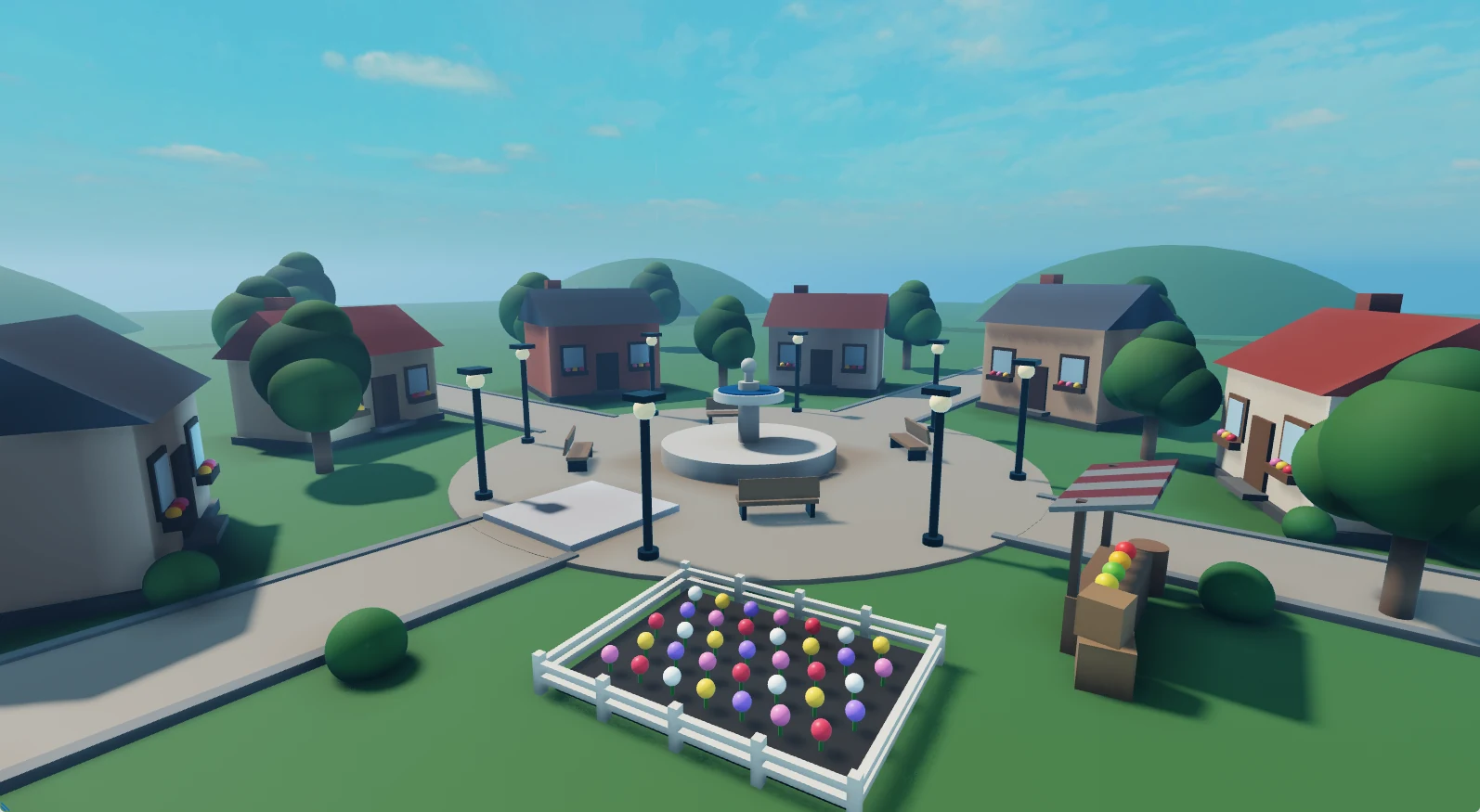
The Roblox View draws the place and moves like Studio's 3D view.
shot open Game.sspopens it, with its world in the Roblox View and every instance in the Explorer.
Click | select |
F | frame |
Wheel | zoom to the pointer |
Alt+drag | orbit |
Particles, trails and head meshes draw, and the world updates live as you change Lighting. Big places open with a progress line and Cancel.
Edit it like Studio
Insert what Studio inserts, and set what a script can set.
Insert offers the classes of Studio's Insert Object, and Properties edits the Roblox properties a script can set. Every script opens in the Editor, and shot link brings a Roblox or Generic project into the Explorer, marked if its file goes missing or changes.
Send it back
One command, and it's a Roblox place again.
shot export Game.ssp place.rbxlwrites the project as one Roblox place, each script at its spot, and never over an existing file. Particles, gradients, fonts and the settings of Players, Chat and other services come back with it.
Not there yet
Layered clothing and dynamic heads aren't in Insert yet.
Up and coming
- Play the place, server and client, right in Mime, without Studio.