

 Mime
MimePress Play in Mime and walk around your place
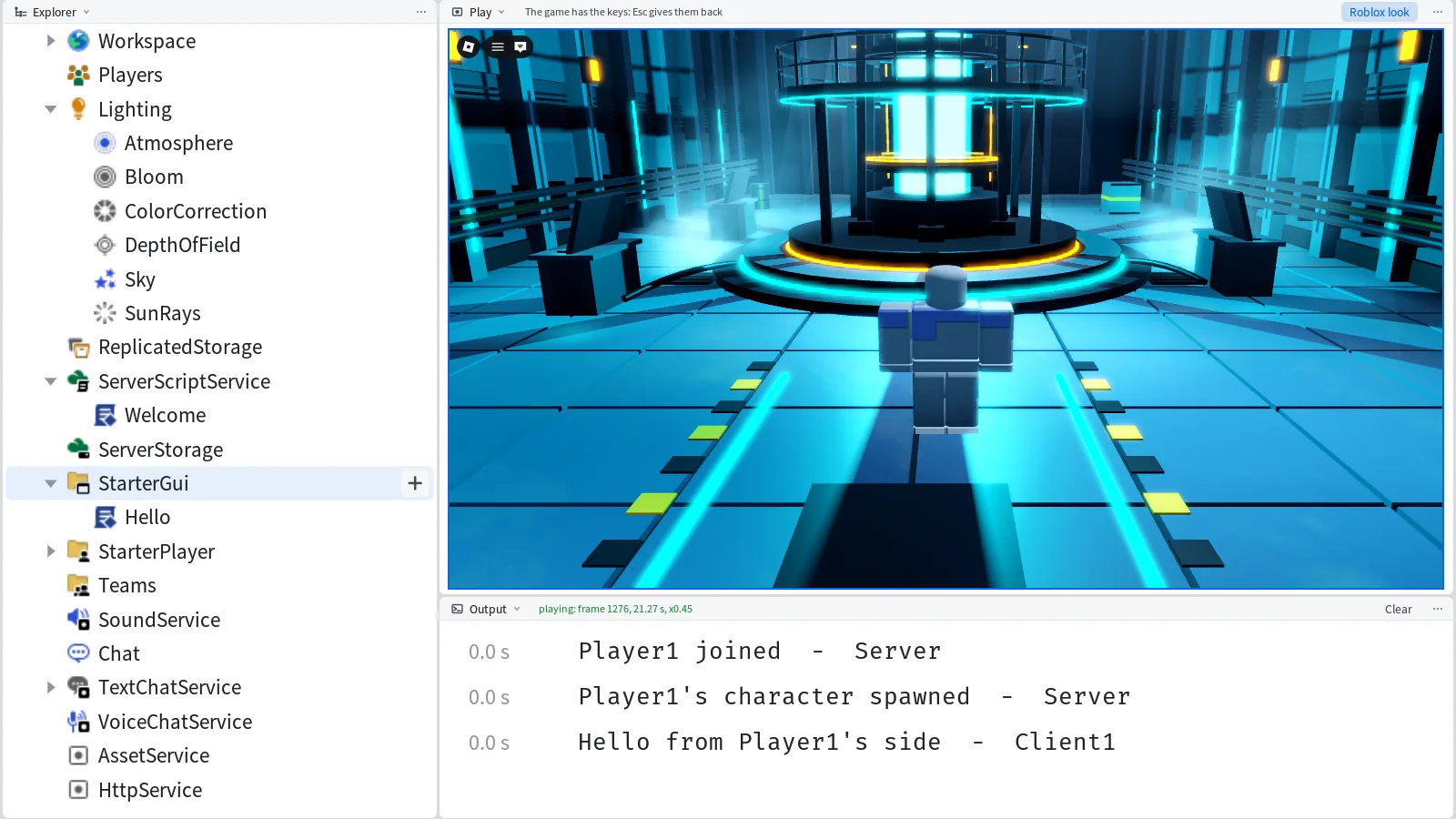
Mime's top bar has a Play button now. Press it, or F5, and your place starts in the Roblox View with your character on the spawn. The place's own scripts run, the server's and the player's, and what they print comes up in Output. Stop ends the game, and the place is just as it was before.
A place to try it on
We started from Roblox's Baseplate with its spawn and added a blue part called Pad, 24 studs in front of the spawn. A Script in ServerScriptService prints who joins and turns the Pad green the first time a character steps on it:
local Players = game:GetService("Players")
local pad = workspace:WaitForChild("Pad") :: BasePart

Players.PlayerAdded:Connect(function(player)
	print(player.Name .. " joined")
	player.CharacterAdded:Connect(function()
		print(player.Name .. "'s character spawned")
	end)
end)

local stepped = false
pad.Touched:Connect(function(hit)
	local character = hit.Parent
	if stepped or not character or not character:IsA("Model") then
		return
	end
	local player = Players:GetPlayerFromCharacter(character)
	if player then
		stepped = true
		pad.Color = Color3.fromRGB(90, 200, 120)
		print(player.Name .. " stepped on the pad")
	end
end)
A LocalScript in StarterGui prints a line from the player's side:
local player = game:GetService("Players").LocalPlayer
print("Hello from " .. player.Name .. "'s side")
The Problems pane read "No problems in the project". Stop sits beside Play and stays greyed out until the game starts.
Play
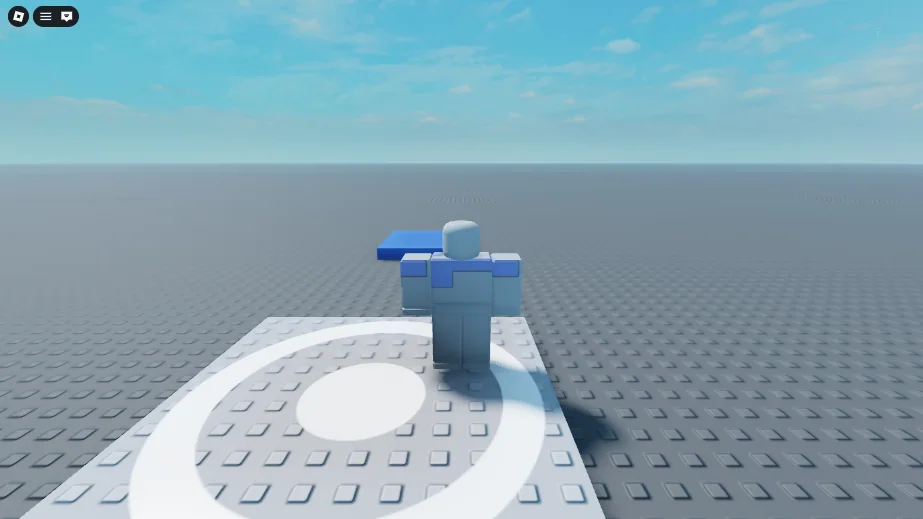
We pressed Play. The window's title changed to "Square - Playing - Mime", and a Roblox View opened in the middle with its tab reading Play. The View shows the game at 1920 by 1080, scaled to fit, with the character on the spawn and the Pad ahead:

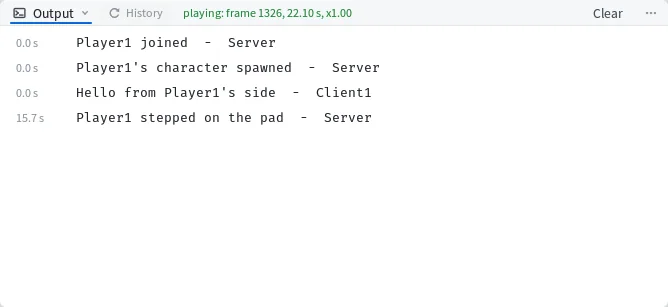
Output already held three lines, two from the server script and the Hello line from the LocalScript, each marked with the side it came from.
Walk
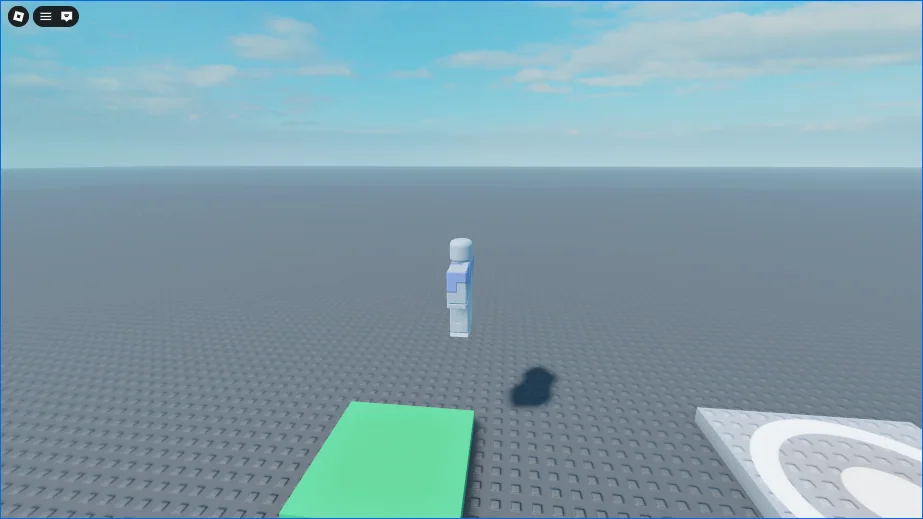
Click the picture and the game has the keys. The hint above the picture changes to "The game has the keys: Esc gives them back". We held W for a second and a half, and the character walked onto the Pad. The server script turned it green:

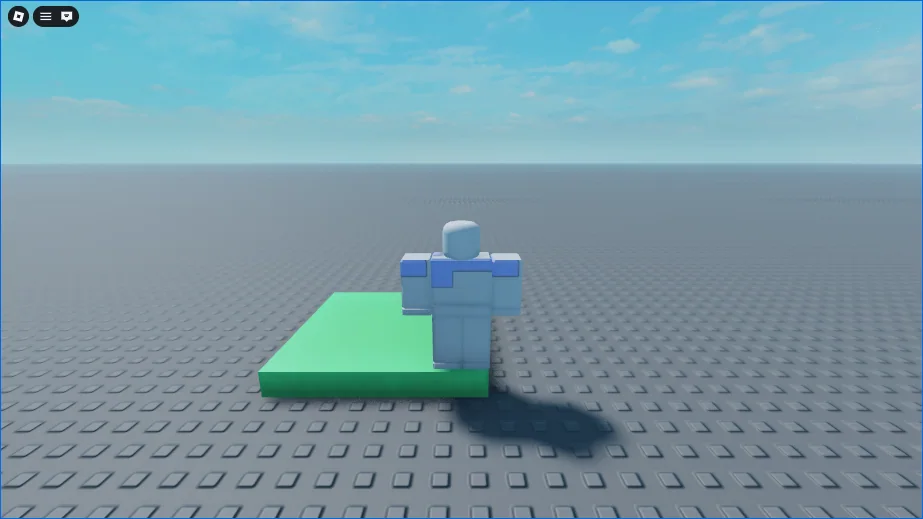
and printed its line, with the time since the game started:

The mouse turns the camera while its right button is held, the wheel zooms, and Space jumps. Esc gives the keys back to Mime, and the hint goes back to "Click the picture to control the game".

Stop
Stop, or Shift+F5, ends the game. The status bar said "Stopped the game", and Output kept the game's four lines. We selected the Pad in the Explorer, and its Color in Properties read 70, 110, 200, the blue the place gave it. The green from the game didn't reach the place, and the project's files were byte for byte the same after Stop as before Play.