
Scripts
Write Luau the Roblox way, press F5 and watch it play. Stop, and whatever your scripts changed goes back.
No script runs in Edit. F5 runs them all; ShiftF5 puts back what they wrote, made or drew, and keeps your own edits.
Help as you type
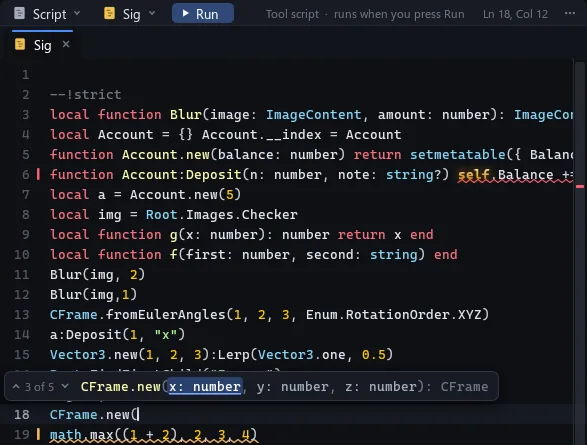
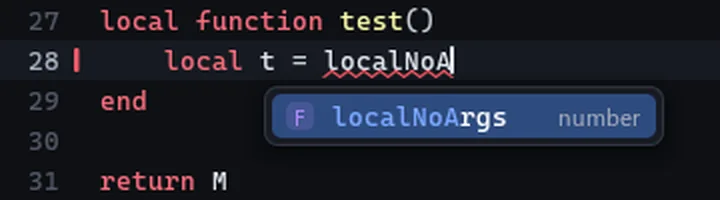
Completion, hints and type errors know every instance in your project.
Luau's own type checker, as in Roblox Studio, rechecks a script a moment after each edit; hover an underline for its message.


Where code lives
Share code in modules, play it in InitScripts, build with ToolScripts.
A ToolScript runs once when you press Run, and its changes are real: saved, and one undo step.
| ModuleScript | Required by other scripts |
| InitScript | Runs in Play and in renders |
| ToolScript | Runs once on Run; what it changes is kept |
| TypeScript | Types made from the modules that point at it |
| Sandbox | A scope with its own Luau VM |
| Script layers | A video layer that returns function(time) |
| Tasks | task.spawn, delay, wait, RunService.Heartbeat, on play time |
Type less
Type ! and a word to drop in a require, a path or a CFrame.
Most read the Explorer's selection: select a module and !selected writes its require line.
!module | Every module this script may require |
!selected | Require the selected module |
!reference | The selected instance's path |
!cook | Read the selected Cook track |
!CFrame | The selected instance's CFrame |
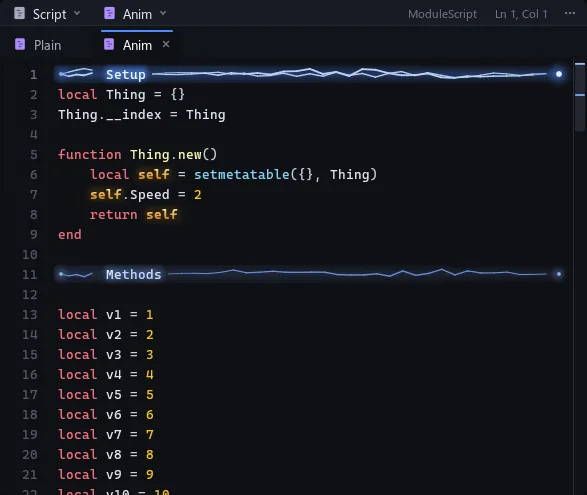
!b Name | A bookmark banner |
!class Name | A class with new and Destroy |
Keys
F5Play
ShiftF5Stop
CtrlQRestart Play
QReload edited scripts
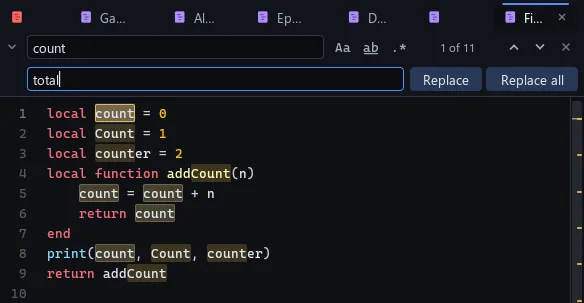
CtrlF CtrlHFind, replace
CtrlGGo to line
Ctrl/Comment
CtrlDSelect the next match
Alt clickAdd a caret
CtrlAltUp CtrlAltDownCaret above, below
AltUp AltDownMove lines
CtrlShiftDDuplicate lines
CtrlShiftKDelete lines
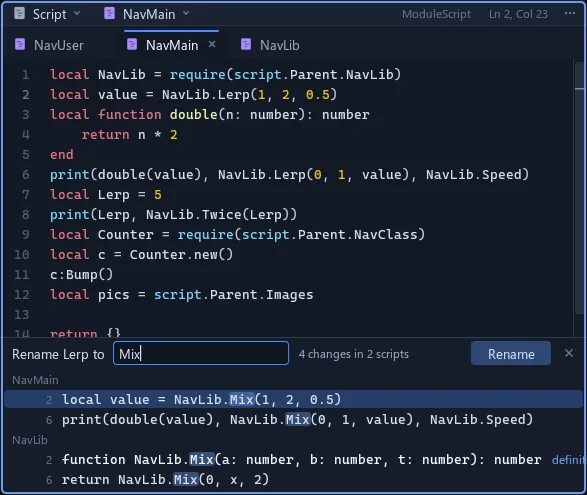
Ctrl click, AltF12Go to definition
ShiftAltF12Find usages
F2Rename everywhere
TabAccept a completion
Command bar
CtrlEnterRun; one undo step
Enter, ShiftEnterNew line
Up DownHistory
EscLeave the bar, or stop the run