

 ShotScript
Fields line up as you type in ShotScript Editor
In a ShotScript module in ShotScript Editor, a field's : and = move into the columns of the fields above it as you type them. A paste of several fields lines up the same way. For lines left ragged, Line Up Fields on the script's right-click menu puts the colons and equals signs back in their columns, and one Ctrl+Z takes it back.
A kart with three fields
In a new Baseplate we made Kart, a ShotScript module in ReplicatedStorage.Shot.Racing. It began as a plain ModuleScript with Studio's own local module = {} and return module. ShotScript Explorer's right-click Mark as ShotScript made it ShotScript in one step: the two lines became local Kart = {} and return Kart, and system script went in above them as its first line. Then Ctrl+A and Ctrl+V put in this text, with three fields:
system script

module Kart = {
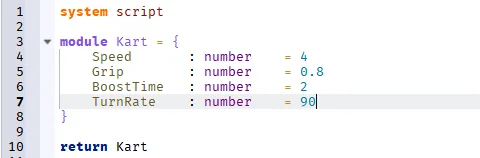
    Speed       : number    = 4
    Grip        : number    = 0.8
    BoostTime   : number    = 2
}

return Kart
A fourth field
With the caret at the end of the BoostTime line we pressed End and Enter, and typed TurnRate : number = 90 one key at a time. The : jumped into the column of the colons above as soon as we typed it, and the = did the same, with no Enter needed. Typing : also opened a list of types, which Esc closed.

A paste lines up too
We selected the four field lines from just after Speed's indent to the start of the } line, and pasted the four fields in again with one space on each side of each : and =. They came in lined up, just as typing leaves them. One Ctrl+Z after the paste gave them back ragged:
    Speed : number = 4
    Grip : number = 0.8
    BoostTime : number = 2
    TurnRate : number = 90
That gave us ragged lines to try the menu on.
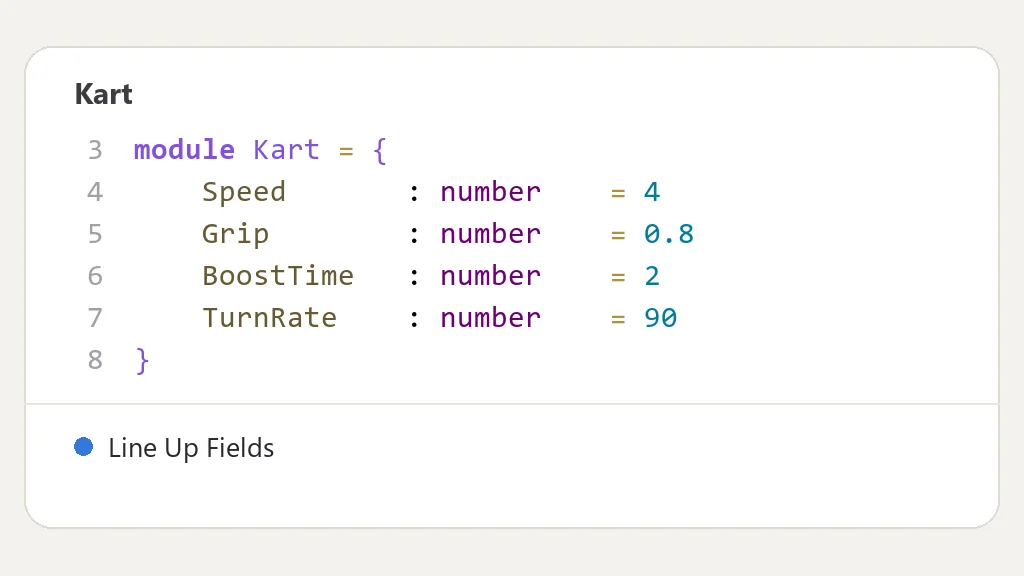
Line Up Fields
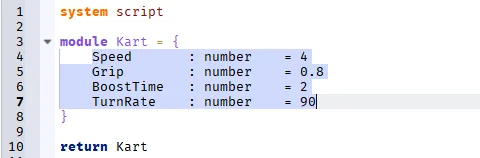
We selected the four field lines and right-clicked past the end of the last one. Line Up Fields is near the bottom of the menu, under Find Usages, and the selection stayed while the menu was open.

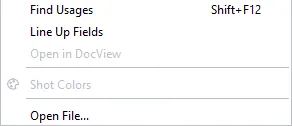
A click on it put the colons and the equals signs back in the columns typing uses, and left the four lines selected.
    Speed       : number    = 4
    Grip        : number    = 0.8
    BoostTime   : number    = 2
    TurnRate    : number    = 90
One step back
One Ctrl+Z took Line Up Fields back, and the four lines were the ragged ones again.