
Writing code
Type a dot and the members are already listed. Jump to a definition, rename a member everywhere at once and see every type in scope, all from the Editor.
The Editor checks each script against the whole project while you type. Its keys are on the Edit and Go menus, and Help > Keyboard shortcuts lists them with where each one works.
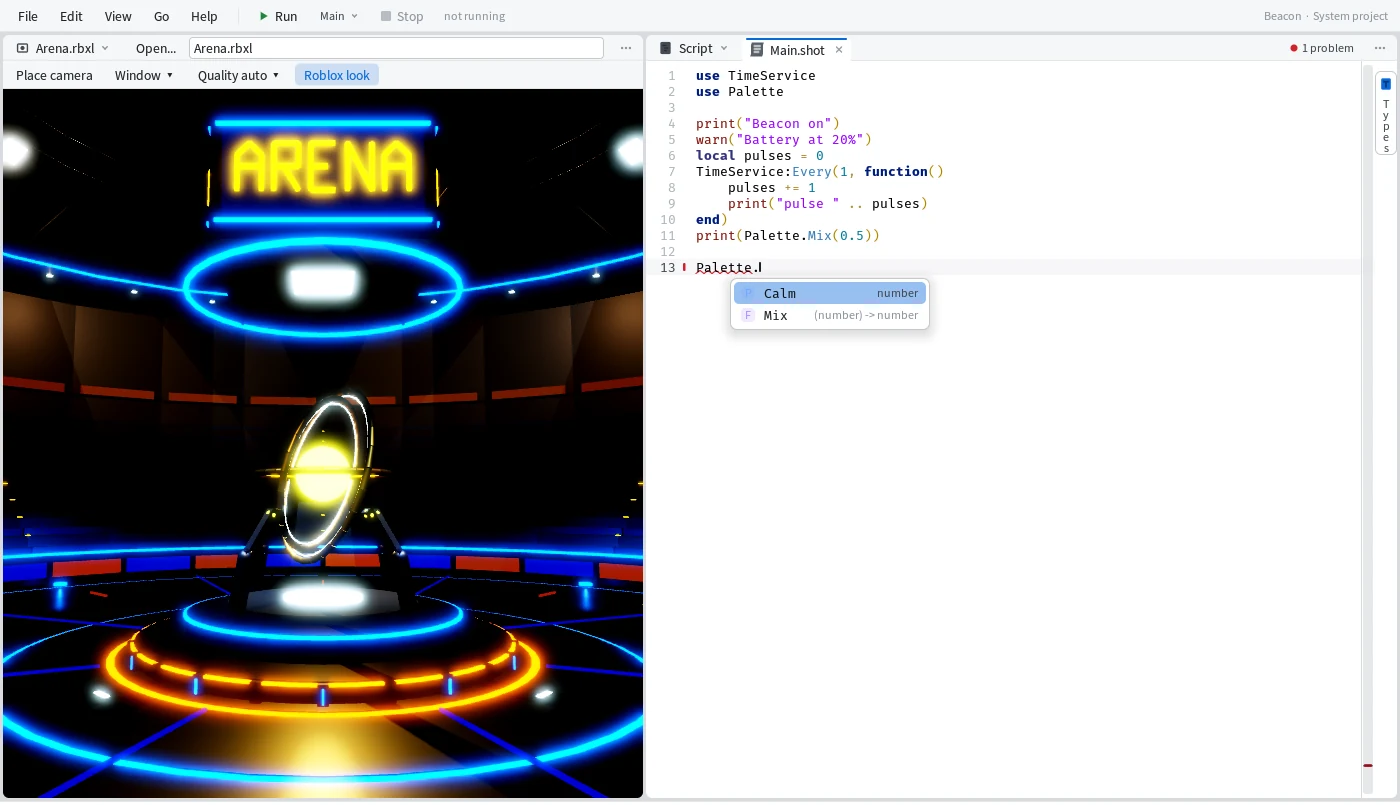
Completion
The list opens by itself when there's something to pick.
It opens after a ., after use, types and import, and after the colon in a type. Palette. lists Palette's members with their types. Tab or Enter takes the highlighted row and writes just the name, except for a function, which gets its brackets: the caret lands inside them when it takes arguments, after them when it doesn't. Ctrl+I opens the list when you want it, and it keeps answering in unfinished code, like a method that has no end yet.
Write less with !
A few shortcuts start with !. Type one and take it from the list.
!sel | import the module selected in the Explorer |
!ref | write that module's path |
!l | import the modules beside it |
!b Pulse | a bookmark line that marks a section, named Pulse |
Jump around
Get to any script, name or line without the mouse.
Ctrl+P | go to a script or item by name |
Ctrl+Shift+P | run any command by name (the same box, starting with >) |
Ctrl+Shift+F | find text in every script; F4 and Shift+F4 step through the results |
F12 | go to the definition |
Shift+F12 | find usages, listed in Find Results |
Alt+Left, Alt+Right | back and forward |
Ctrl+G | go to a line |
Ctrl+Tab | the next tab |
Shift+F12 on Mix gives "3 uses of Palette.Mix in 2 scripts", with each line under its script.
Rename it everywhere
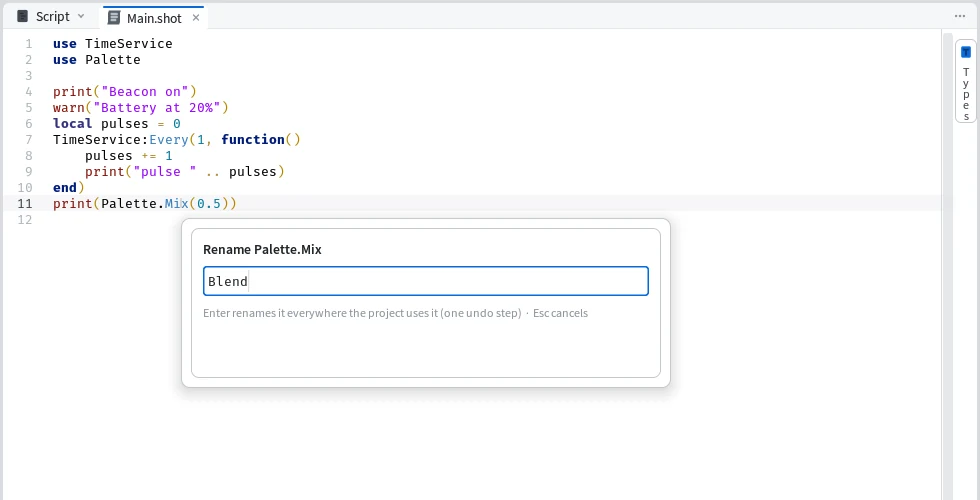
Press F2 on a member and rename it in every script that uses it.
A box asks for the new name; Enter renames it everywhere the project uses it, as one undo step. Mime says what it did, "Renamed Palette.Mix to Palette.Blend in 3 places in 2 scripts", and Ctrl+Z in the Explorer takes it all back.
What's in scope
See every type in scope at the caret, and get to any of them in one click.
The Types tab on the Editor's right edge opens the Types panel. It groups what's in scope by where it comes from (your scripts, then ShotScript and Luau), has a search box, and each entry has a button that goes to its definition. Right-click a script or a folder and pick Open in DocView for a page of its members and their doc comments.
Typing
The Editor keeps your indentation for you.
Code typed in one go indents like a paste, and end, else, elseif and } move back as you type them. Ctrl+Z takes back one typed change at a time. Ctrl+/ comments lines in or out, and Shift+Alt+F formats the script.
Up and coming
- Fold code in the Editor.
- Completion that knows your types and where you are, and puts what you use most first.
!prettyto line up a type's fields.