Viewport
Build like in Roblox Studio, move like in Blender, look through any camera.
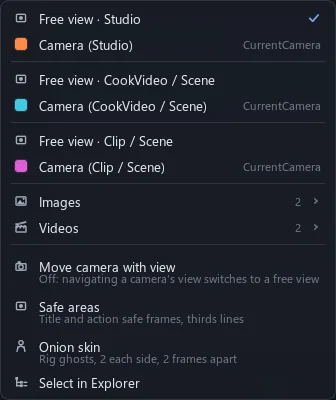
A viewport shows a scene through its own free view or one of its cameras, picked in its header.
Two ways to move
Drag Roblox Studio's handles, or tap G or R and move the mouse.
Move's arrows follow the world axes; Scale pushes one face and keeps the opposite one put.
Fly through it
Roam the scene like a game, or orbit what you picked.
Fly while looking through a camera and the camera stays put: you carry on in the free view.
Click, drag, drop
A click grabs the whole model, as in Roblox Studio.
A dragged part slides over whatever is under the pointer; a selected Model moves as one piece.
Pictures and 2D
More
Look through anything
Look through a camera, a picture, a render pass or a whole video.
View > 4 viewports splits one into Top, Front, Right and perspective. Force Solid keeps a free view Solid while the project is Rendered.