Windows
Lay out the app your way: split, float and dock any window, and save the layout for next time.
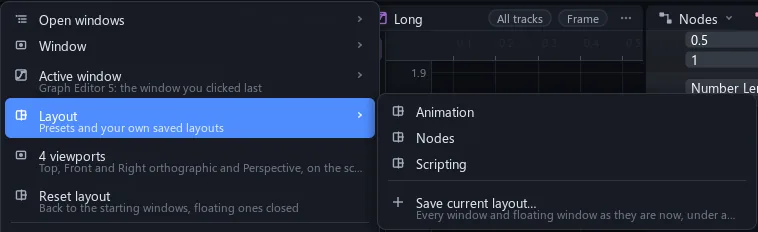
Windows tile the app like Blender's. A header's type button turns its window into any other kind; View > Layout keeps the presets and your saved layouts.
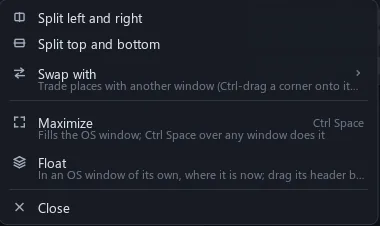
Split, join, float
Pull a corner to cut a window in two; push it back to merge.
A header dragged out of the app floats on its own; over a layout it shows arrows, and a drop on one docks it. Layout changes undo like any edit.
A window for every job
Look, edit, code, cut and wire, each in a window of its own.
View > Window opens any window type. Tool windows such as Cook, Nodes and Docs open as tabs of the bottom window.
| Viewport | A scene through a free view or a camera; pictures, AOVs, videos |
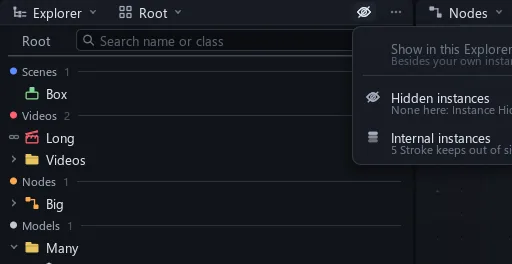
| Explorer | The tree under Root: Scenes, Videos, Nodes, Scripts, Models, Assets |
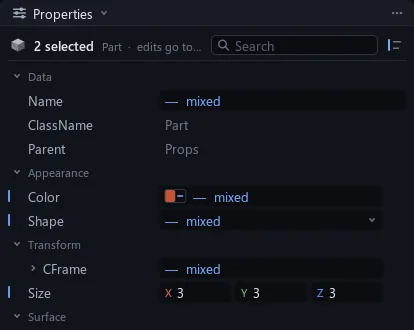
| Properties | The selection's values and attributes |
| Script | Luau editor, tabs |
| Output | Prints, warnings, errors and their calls |
| Cook | Tracks, keys and clips on a timeline |
| Graph Editor | Curves of the selected tracks |
| Nodes | Instances as cards, wired |
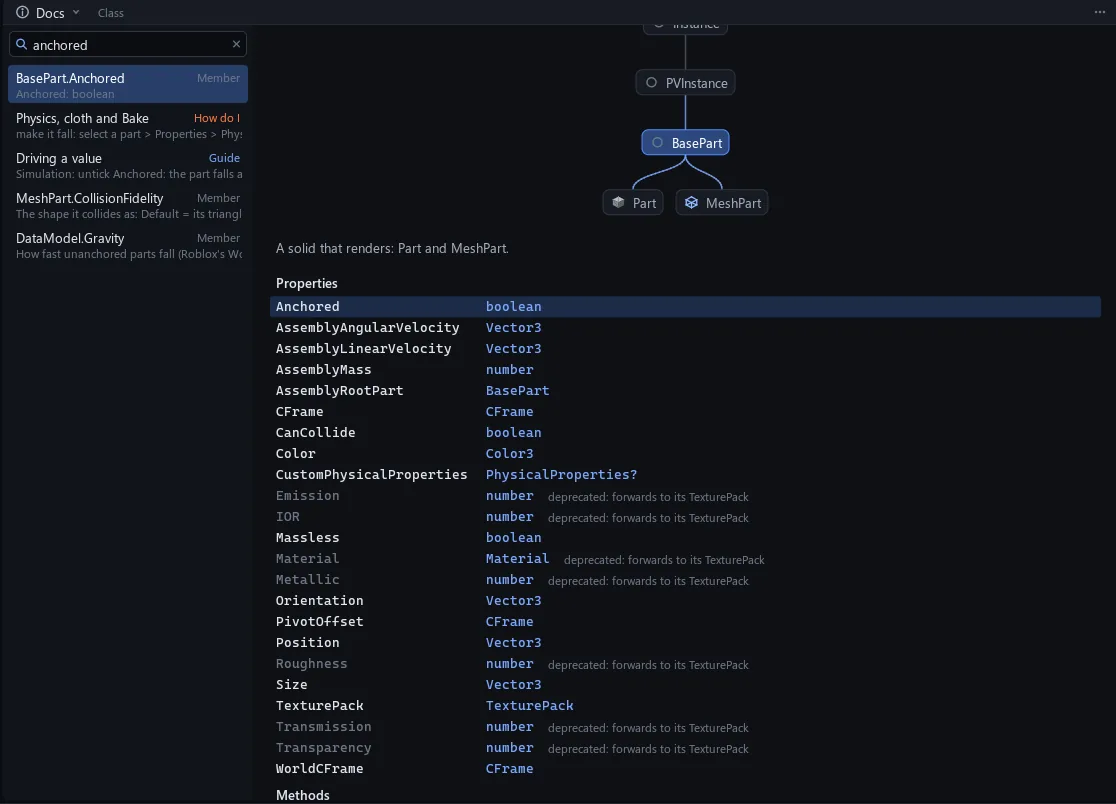
| Docs | Every class, datatype and global; How do I pages |
| Outline | The layout as a tree |
| Renders | Finished renders, one tab each |
| Notes | Review notes by video and time |
| UV Editor | A mesh's UVs over its texture |
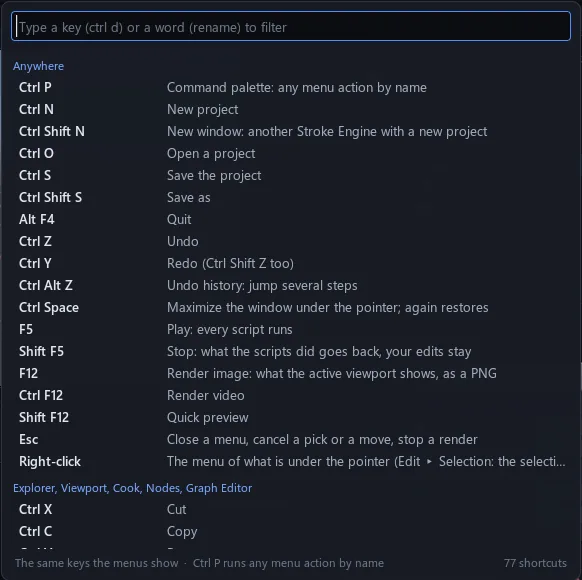
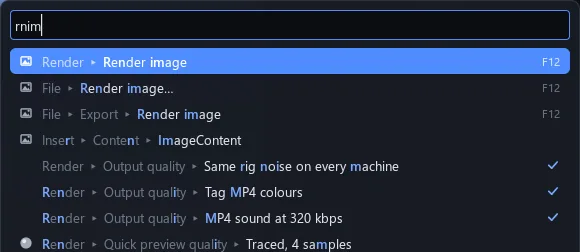
| Command palette | Every menu item by name, with its shortcut |
| Command bar | Luau, run with CtrlEnter |
Find it, run it
Forget where a menu item lives: type a few letters and run it.
CtrlP finds any menu item by name, with its shortcut, recent ones first. Help > Keyboard shortcuts lists every key.
Explorer
Properties