Animation and Cook
Animate anything. Key any property of any object, shape the motion on curves, and cut it all together on one timeline.
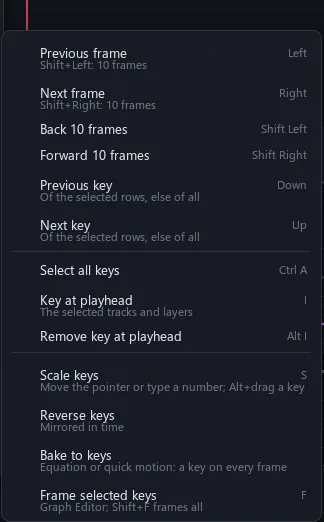
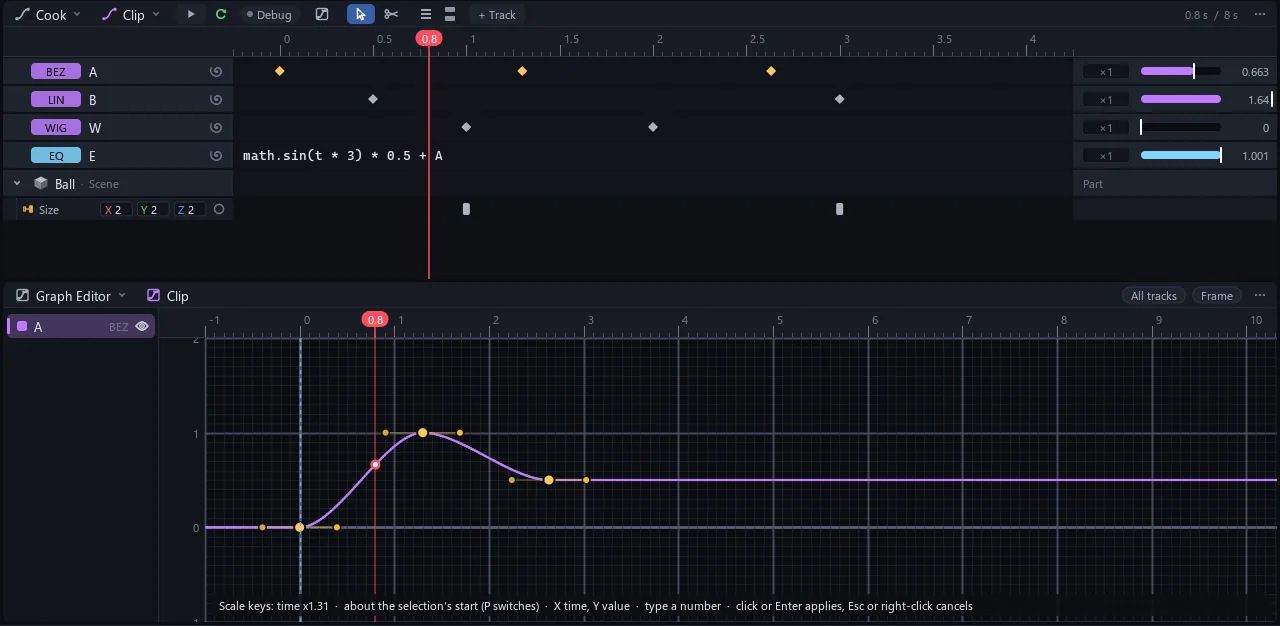
The Cook window is the timeline of a CookProject or a CookVideo: curve tracks with their keyframes, keys on properties (QFrames) and clips. The Graph Editor window shows the curves of the selected tracks, where keys and their handles are edited.
Stack it up
A video is a timeline and a picture at once. Whatever sits under the playhead is drawn, top row on top, and the sound is mixed in.
A CookVideo is a CookProject, a Sandbox and an image. Each frame, its clips under the playhead are drawn into its picture in row order, and its sound clips are mixed.
Curve tracks, rig clips and camera shakes change values and draw nothing. An adjustment layer changes everything below it.
Cut, shake, nest
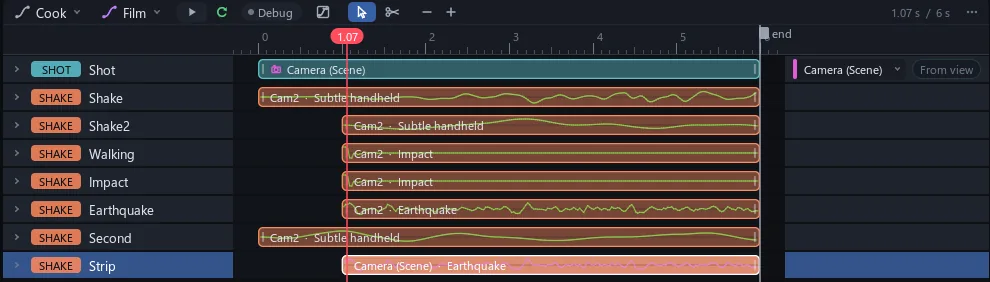
Cut between cameras, shake a shot like a handheld, a walk or an earthquake, and drop whole videos inside other videos.
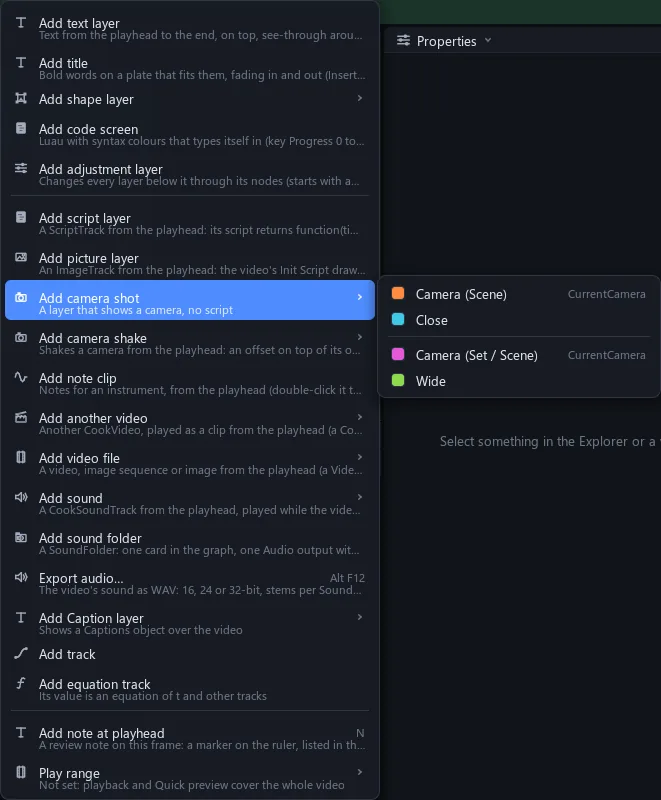
A video holds text, titles, shapes, code screens, adjustment and script layers, pictures, camera shots and shakes, note clips, other videos, video files, sounds, sound folders and captions. Clips move, trim, slip, split and cut with the razor. A shake is added on top of the camera's own animation and gives the same result at the same time, so scrubbing through it is exact.



Every way to move it
Hand-drawn curves, quick wiggles and bounces, equations, keys on anything, character clips, captions from your voice-over and notes for your instruments.
A property is animated by QFrames on its own row, by a curve track whose Output is wired into it, or, for a Model's joints, by a rig clip. Properties shows a dot beside every driven value; hover it to see what drives it.
| Motions | Bezier, Linear, Wiggle, WigglePunch, Zoom, Bounce |
| Equations | A track of t and other tracks: math.sin(t * 3) * 0.5 + A |
| QFrames | Keys on any property of anything; Linear, Ease or Hold; auto-key |
| Camera shots | Cut between cameras; From view copies the viewport |
| Clips | Move, trim, slip, split, razor; snaps with Ctrl |
| Groups | Track folders, nested sequences, videos in videos |
| Rig clips | Keyframe sets on a Model: blend, loop, speed, weight |
| Captions | Transcribe a sound into word-timed captions; Two Lines, Karaoke, Pill |
| Beat markers | From the pauses in a sound |
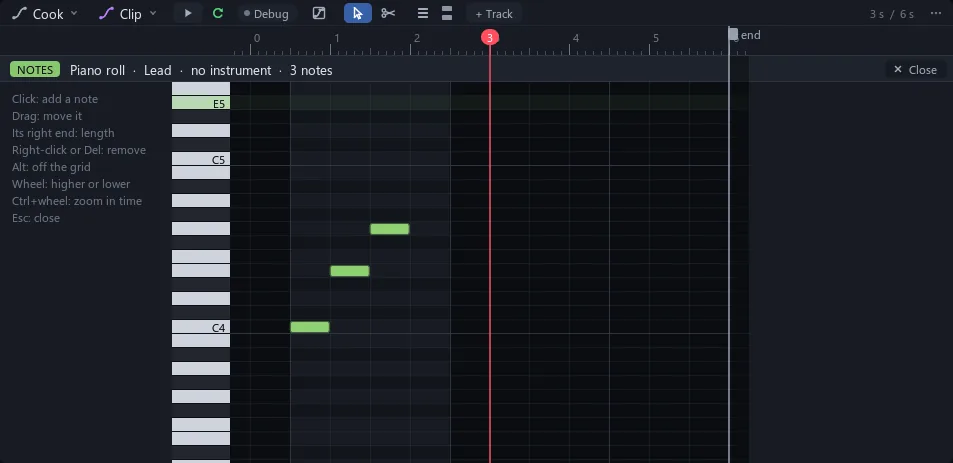
| Note clips | MIDI for a VST3 instrument; drop a .mid |
| Review notes | Pinned to a frame |
Cook keys
Graph Editor
Piano roll