
Media files
Drag it in from your desktop. Pictures, video, sound, meshes and fonts drop onto any window and land where you let go.
Images, meshes and fonts are saved in the project; video and sound stay files on disk, so a project never swallows a movie. A file at a content's Path wins over its saved copy.
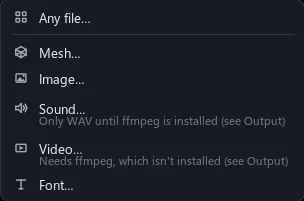
| Images | png, jpg, bmp, tga, webp, avif, tiff, hdr, psd, exr, jxl, qoi |
| Video | mp4, mov, webm, mkv, avi, gif, m4v |
| Sound | wav, ogg, mp3, flac, m4a, aac |
| Meshes | fbx, obj, gltf, glb |
| Fonts | ttf, otf, ttc |
| Also | .stroke projects, .rbxmx animations, .mid notes |
Aim the drop
Drop a mesh on the floor and it stands there. Drop a picture on a wall and it becomes a decal.
The window under the pointer decides, and the whole drop is one undo step.
| Explorer | Into the row under the pointer |
| A scene | A mesh stands where it lands; an image on a Part is a Decal, on a MeshPart its texture, elsewhere an Image2D |
| A video, Cook | Pictures and videos as clips from the playhead; sounds as sound clips; .mid as note clips |
Long shots, light project
Keep thousands of frames without weighing the project down.
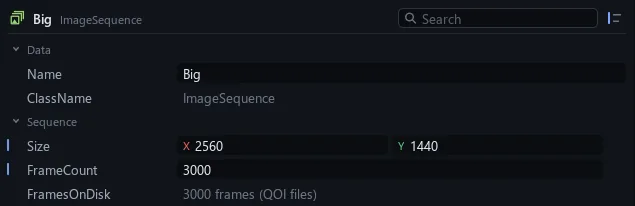
An ImageSequence keeps its frames as lossless files on disk, and OpticalFlow makes in-betweens. Video is decoded at the size it is drawn. You need ffmpeg for video, sound other than WAV and pictures like WebP.