
New
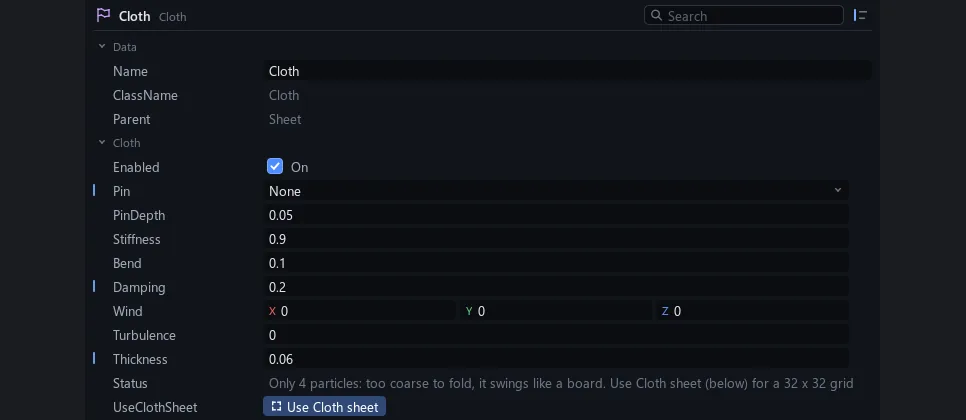
Small, stiff cloth no longer explodes, and it can't fling the objects around it.
Track folders now go inside sequences, nested as deep as you like.
Add a SquishModifier under a mesh: it squashes on impact and springs back like jelly. Pose, record and blend it with Squish.
Turn on Preview Lighting on a camera and the fast preview gets the real sun, shadows and sky light, much closer to the final render.
Track names change only when you mean to: double-click, F2 or Rename. Anything else keeps the old name.
A crash when tools read the app's state right after New project or an undo is fixed.
Ctrl+wheel, Ctrl+minus, Ctrl+plus and Ctrl+0 zoom the Explorer and the Script editor. Text stays sharp.
Type !viewport in a script to insert the CFrame of the view you just moved. !CFrame now writes the full CFrame.
Write a:=Lerp(b, 0.5) to mean a = a:Lerp(b, 0.5). Works with any method, with autocomplete.
CFrames now add, subtract, divide and scale by numbers in scripts. a + (b - a) * t blends like Lerp.
Heavy traced frames no longer freeze the render on some views.
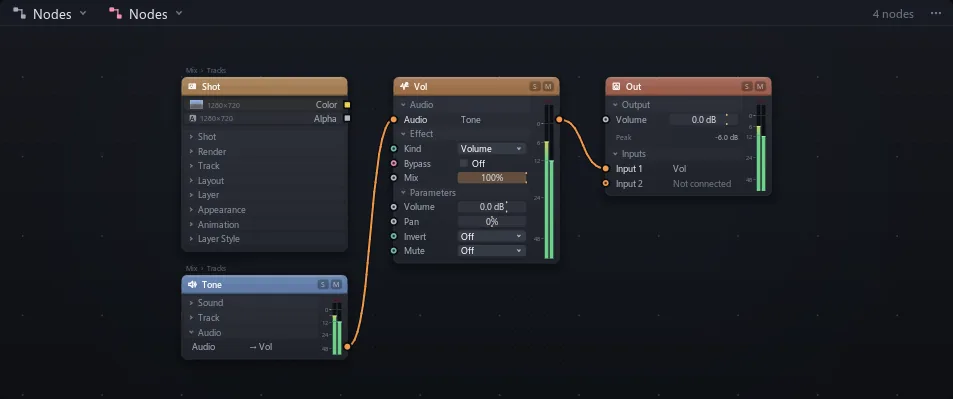
Export audio now includes sounds routed through any node graph, just like playback.
Fast crowd tracing now draws exactly the same picture as before.
Renders of scenes with thousands of parts no longer stall on long frames.
Node graph textures stay sharp at low Preview Res. A slow first script load no longer turns rendered frames black.
Path tracing scenes with thousands of parts is many times faster.
Screens showing another camera keep moving in Rendered preview. Undo while playing keeps the images scripts made.
workspace:Raycast with Include and Exclude filters, like Roblox.
Cameras can focus on whatever sits under a point, racking smoothly and the same in every render.
image:MagicWand(point) masks the matching pixels, cheap enough for every frame.
Ctrl+G boxes cards together, Ctrl+drag takes one out. Notes put styled text on the graph.
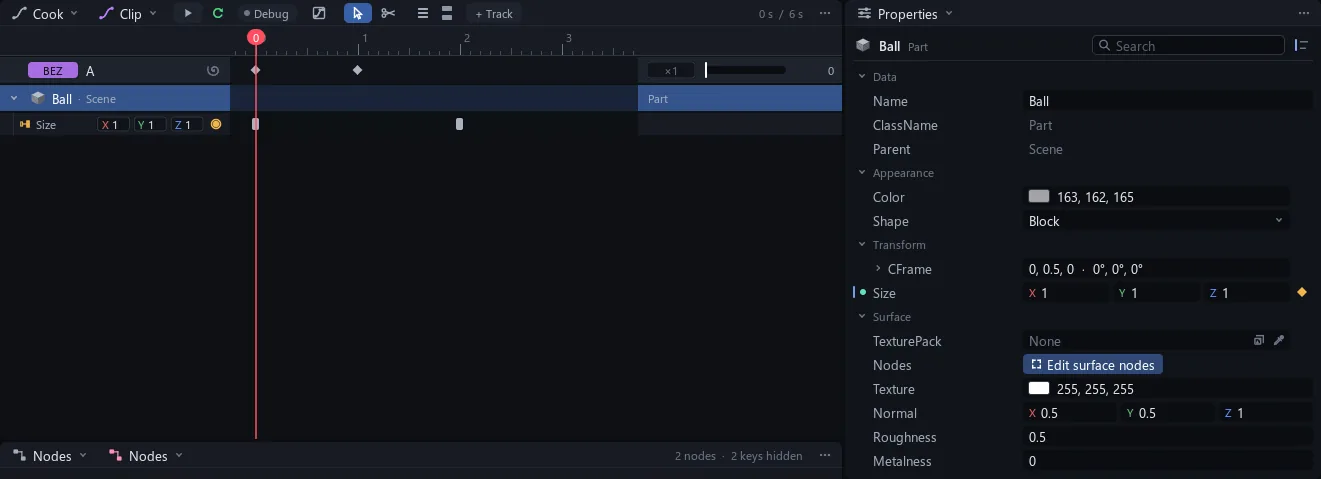
Drag several selected tracks at once. They keep their order.
One switch and everything that reads a track gets 1 minus its value.
Every text box selects with the mouse and Shift keys, equations included. Drag a pick whip into an equation to add the track.
A click anywhere on a track's row selects it, in the Explorer too. !cook remembers your last track.
Editing, scrubbing, typing and playback spend up to 45% less time per frame, with every picture exactly the same.
Space plays the video even with the Cook tucked away, every action has its own key, and Play and Stop each say one line.
Scrubbing and typing in scripts draw frames up to twice as fast, with every picture exactly the same.
The app icon, the .stroke file icon and the mark in the app show the new logo, and the intro shows the full logo.
Camera shots show at full strength in Edit, and F frames a part even from the video view. Nodes open on the selected card.
Quitting with nothing to save is instant, and reopening a project brings back its view, script tabs and carets.
When a node change leaves a wire that no longer fits, it goes at once with a message saying why, and undo brings it back.
The app, its window, its taskbar button and .stroke files show the new Stroke Engine mark.
A Sky Image can be an .hdr or .exr file, lighting the scene as bright as the real sky.
Leaf and grass meshes with cutout images cast the shadow of each leaf in Rendered, with sun through the gaps.
While playing or moving a view, traced pictures render at the size shown on screen, about 3x faster.
A new key lands in the right video, the Cook scrolls to its row and the Graph Editor shows its curves.
Previewing a short range late in a long video takes seconds, shows time left, and keeps the app responsive.
One top bar switch sets Rendered or Solid for the project. Shift+Z flips it. Cameras can Force Solid.
Fewer stalls in Rendered playback, less work every frame, and node pictures made only when something reads them.
Opening windows, scrubbing and invisible drift no longer make undo steps. Each step says what changed.
Copying a picture that is still loading waits for it instead of printing an error.
Dragging an animation onto a character's row says where and when it will play.
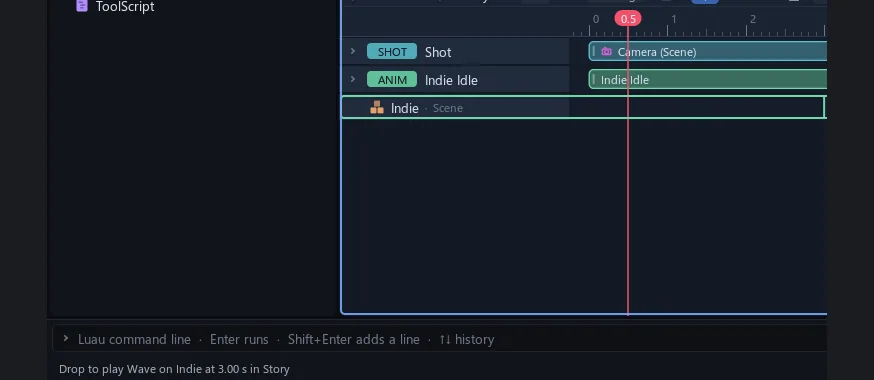
Stroke keeps its own compiled shaders, so opening a project no longer waits for them.
New windows open as tabs instead of squashing yours. New node cards land in free space. Real property names.
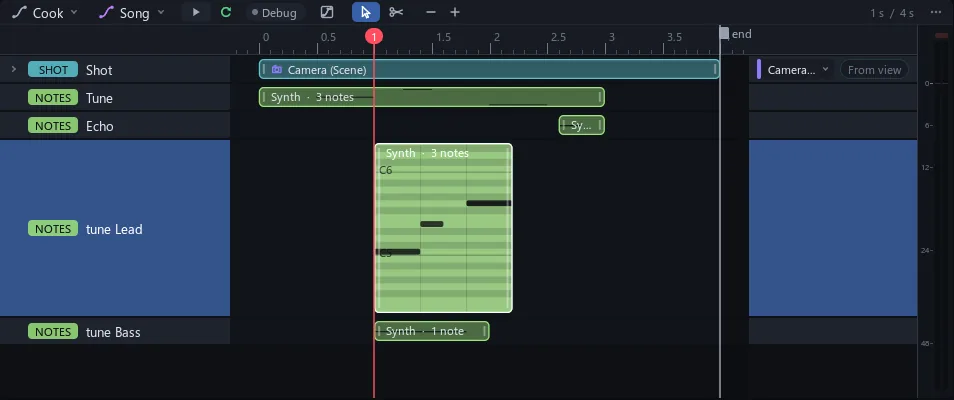
Double-click a note clip for a full piano roll. Razor cuts stay on one row. New video is in File.
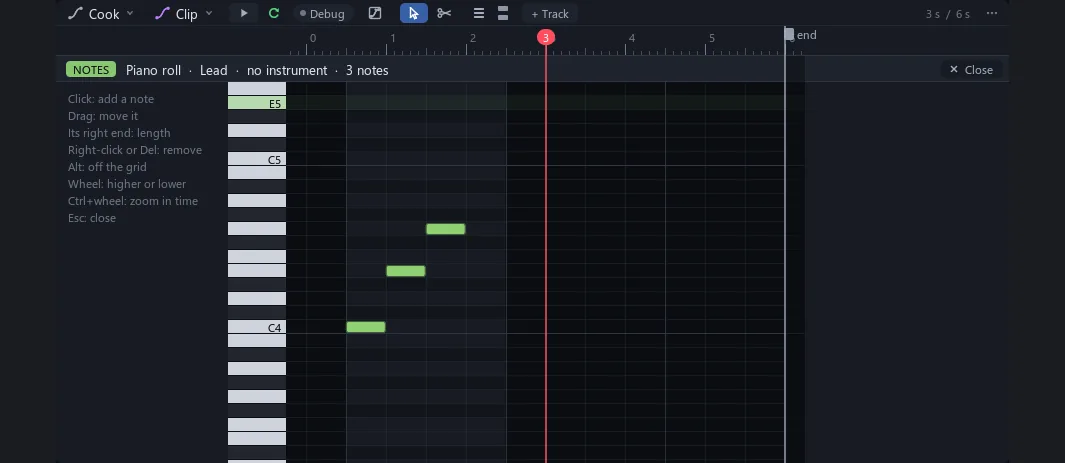
Search every page, class, property and method in Docs. Eight How do I pages. Ctrl+P finds settings too.
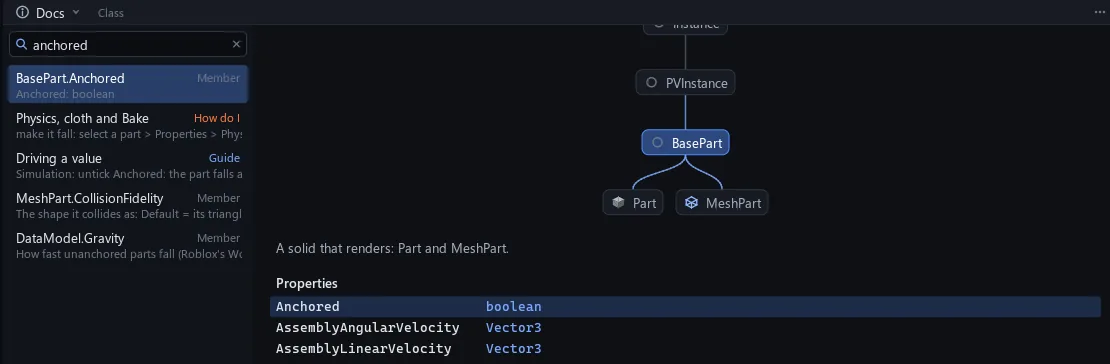
Insert goes into the selection where it fits, else the scene in view. LookAt on a head turns the face.
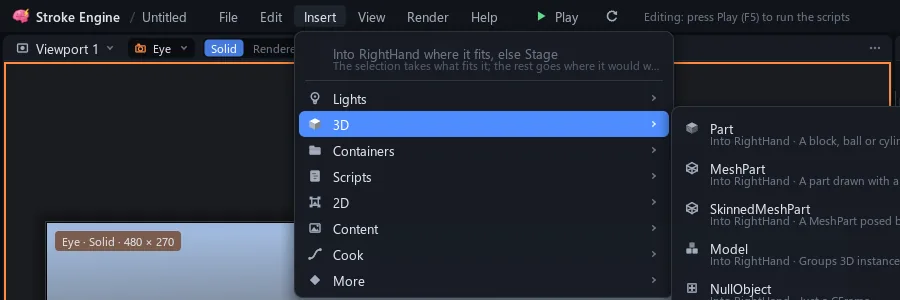
Stop puts fallen parts back, F5 shows the whole fall, Bake says why it cannot run. New Cloth sheet.
Each plugin loads and opens its window on its own thread. A stuck plugin says so and the project stays editable.
Pictures keep only their pixels and give back unused drawing and tracing space. About 6 GB less.
Built-in meshes are saved by name. An empty project is about 5 KB instead of 2 MB.
Play loads the scene a piece a frame. Render video opens at once and estimates in the background.
Scenes and Videos hold shortcuts to every scene and video in the project. Loose parts go under Models.
Tooltips stay out of the way, the view menu groups cameras by scene, and tool windows open as tabs.
Opening a project compiles shaders in the background. Rendered views show Solid until they are ready.
Typed requires are trusted, CurrentCamera is a Camera and workspace knows its scene. Old files print one line.
After Play and Stop, layers that scripts draw keep their last picture in Edit. Unplayed ones say plays in F5.
IKControl on a hand or foot comes with its Target and Pole, ready to drag. Surface gets Edit surface nodes.
Clicking a track row selects its part. Keys stay out of the Explorer and Nodes. New + Track button.
Playing, scrubbing and orbiting no longer save. Ctrl+S shows its progress in the top bar.

Ctrl+Z puts back only what a step changed. Steps have names, such as Move Baseplate or Set Color.
Models moved with PivotTo every frame keep their shape. Stop puts back values a script broke.
Instrument plugins play green note clips on the Cook timeline. Drop a .mid file or draw the notes.
Opening a project another Stroke window already has open hands it over without hanging.
Sizes down to 0.001 studs reopen exactly as saved.
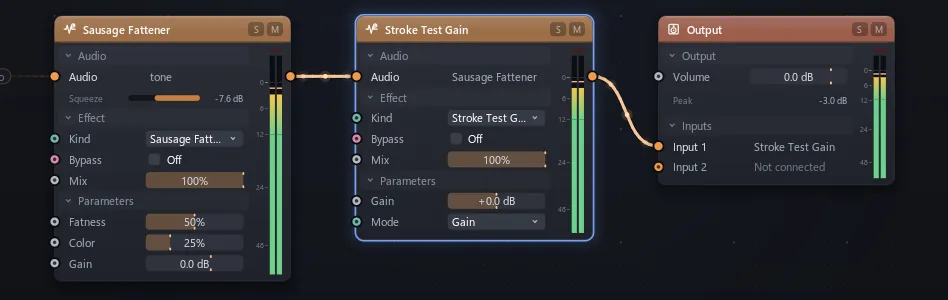
Plugins sit under Plugins in the Nodes audio menu, with their settings as sliders and their own window.
Untick Anchored and parts fall, collide and stack in Play and renders. Cloth hangs and flaps. Bake stores it.
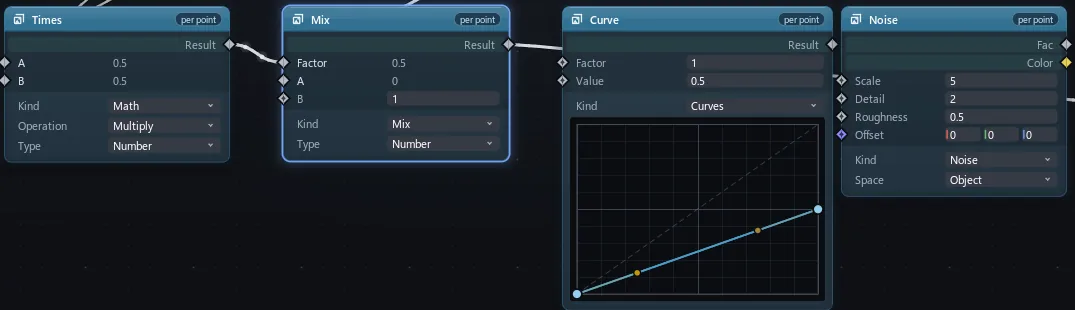
Texture packs built from nodes, worked out at every point of a surface, in Solid and Rendered alike.
Boxes around the camera and camera outlines no longer take clicks. Meshes pick by their triangles.
Traced pictures finish a full pass before they show. View menu: Clean frames or Smoothest fps.
A KeyframeSequence saved from Roblox Studio as .rbxmx can be dropped in and plays on the rig.
Ghosts of the frames around the playhead, from the viewport camera menu.
IKControl makes a limb reach a target. Weld, Follow and LookAt constraints hold, follow and aim parts.
A render whose script does not compile stops straight away and names the script and line.
Skinned rigs posed past their rest pose no longer lose parts in traced frames. Changed mesh files reload.
The Cook's Add to node graph adds the track to the graph you used last, with a submenu for others.
Audio cards show L and R meters with peak hold and a clip light. The Cook has a master meter.
A Smart switch in the viewport header writes each turn into the matching line of code near the caret.
Cameras can output each pixel's world position, and Depth as true distance. Float passes render to EXR.
Paused frames 43 to 8 ms and playing frames 42 to 12 ms on a large project. Same pictures.
Completion, double-click, brackets, line moves, multi-caret, PageUp and PageDown now behave as in Studio.
