
Learn Stroke
Build one small product shot, from an empty project to a rendered MP4, then bring it to life with Luau.
In development, not released yet.
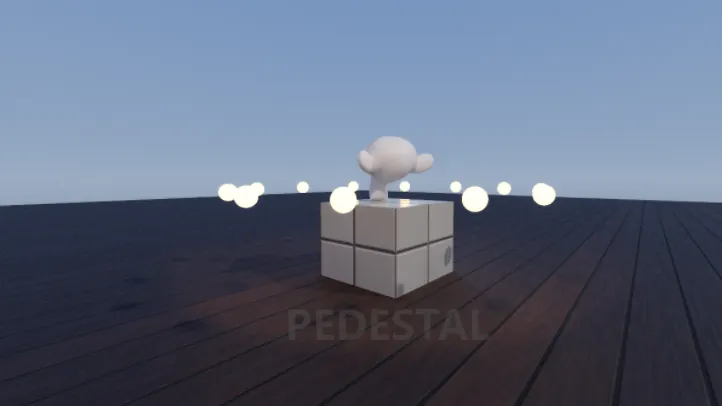
Part 1, a first video
For anyone who knows After Effects or Blender. Eight steps take an empty project to a lit, rendered shot: your own model on a pedestal (any OBJ, glTF or FBX file, or a built-in shape), a slow camera push and a cut to a closer shot.
Step 1What Stroke isOne tree: scenes, cameras, contents and videos.the tree under Root, scenes and cameras, contents, videos, Sandboxes, Edit and Play.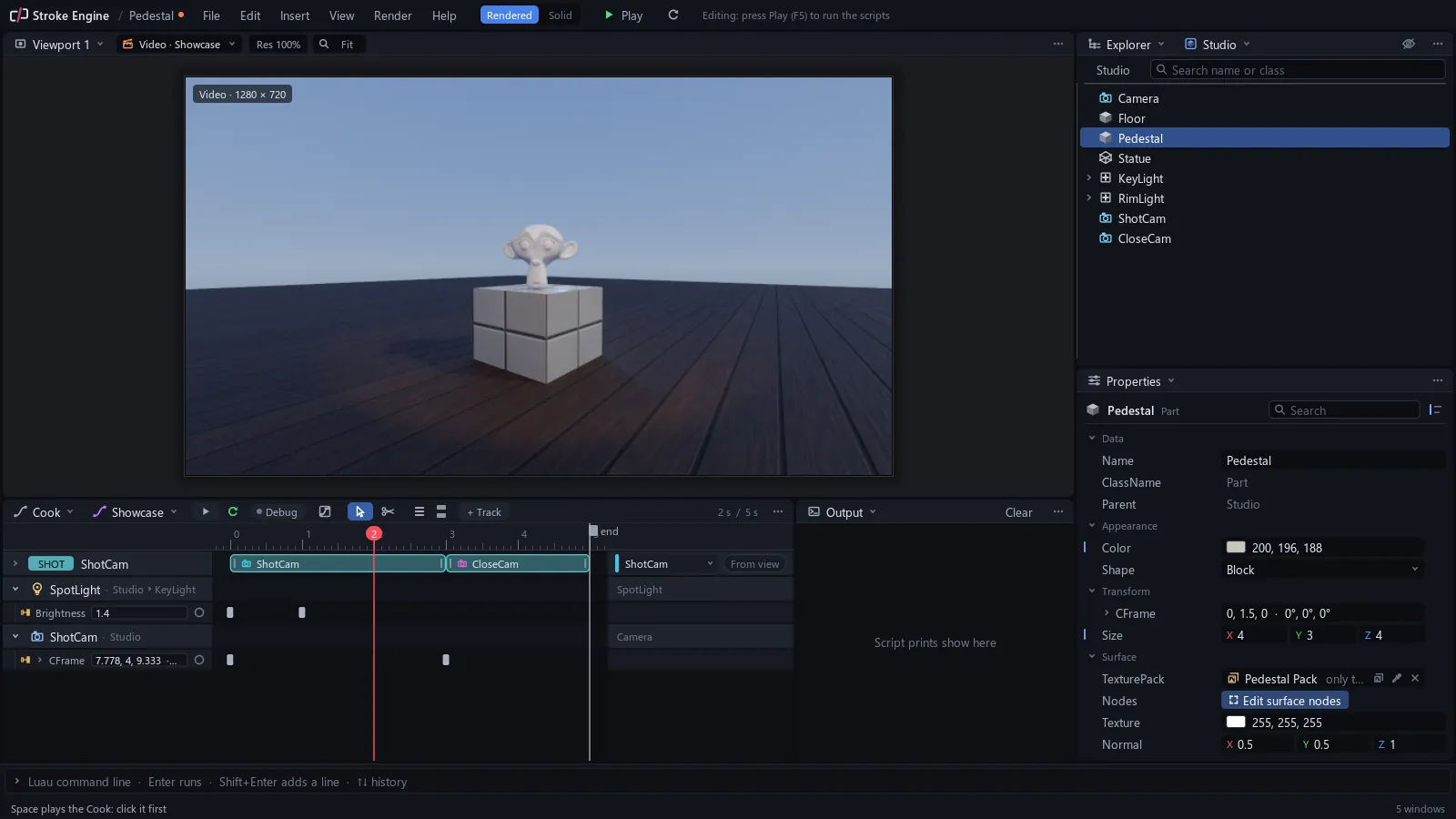 Step 2Open a projectA new project, the windows, saving.a new project, the windows, split, join, float and dock, saving.
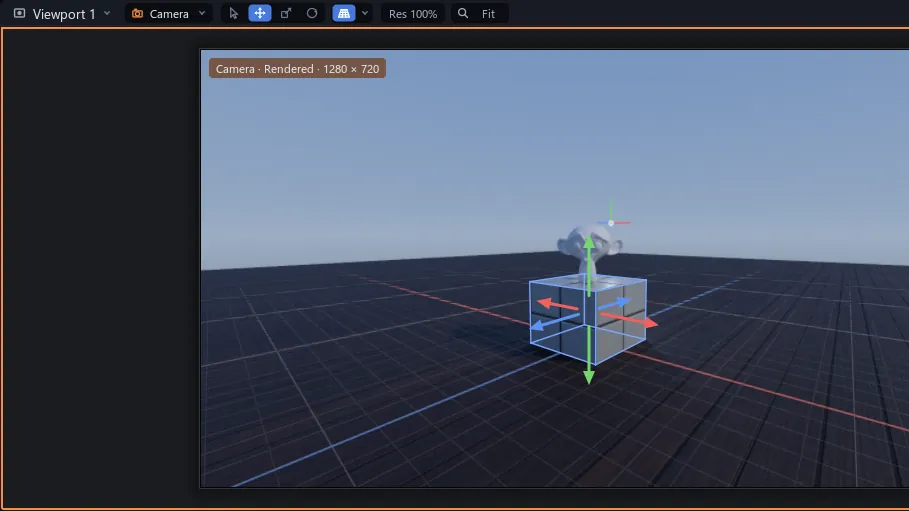 Step 3Move aroundFly, orbit, select, move and undo.looking and flying, orbit, pan and dolly, selecting, Move, Scale and Rotate, G and R, undo.
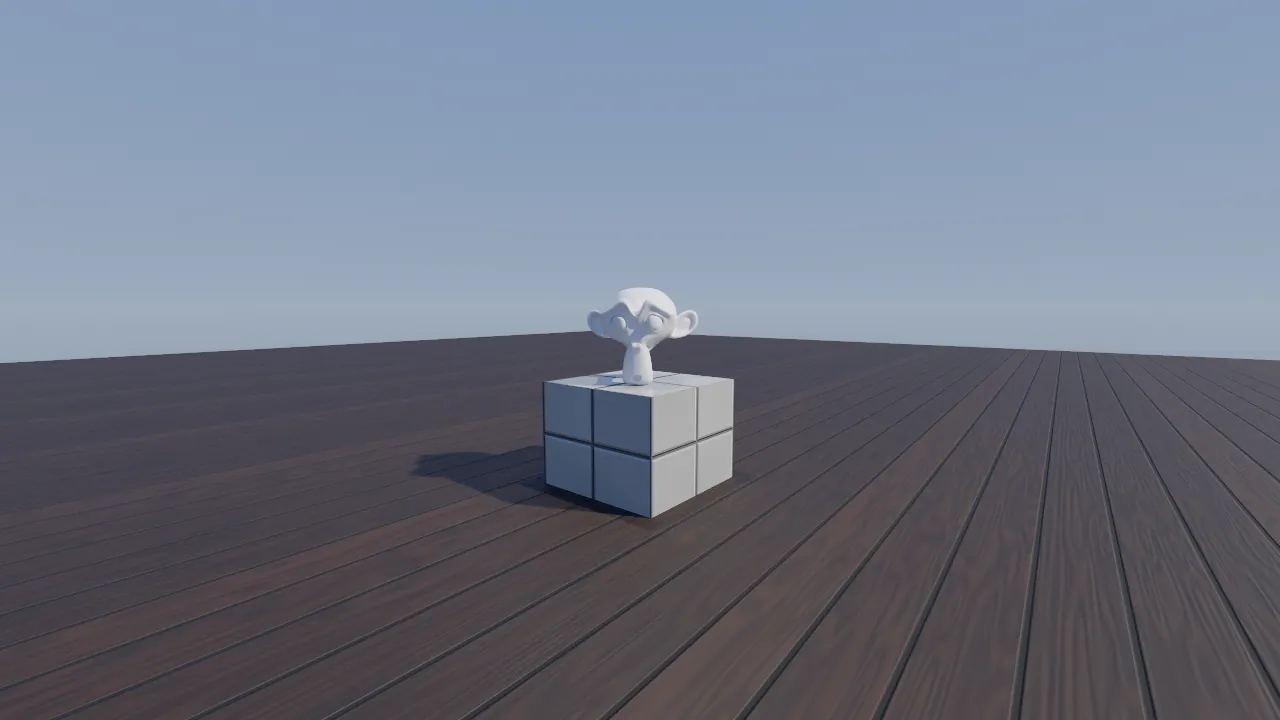 Step 4Add objectsParts, a mesh of your own, materials.Insert, Parts, an imported mesh, Explorer drags, Properties, materials.
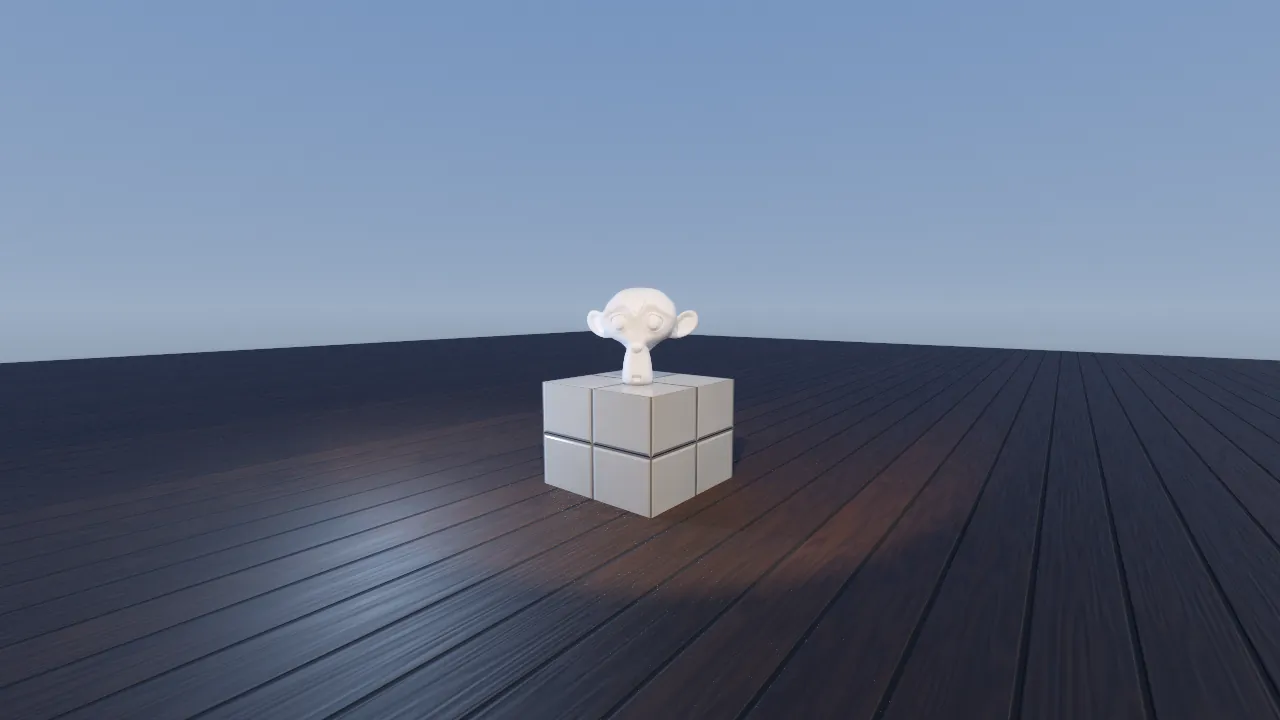 Step 5Light and lookPath trace it, light it, give it a look.Solid and Rendered, two lights, bloom, the tonemap and the sky.
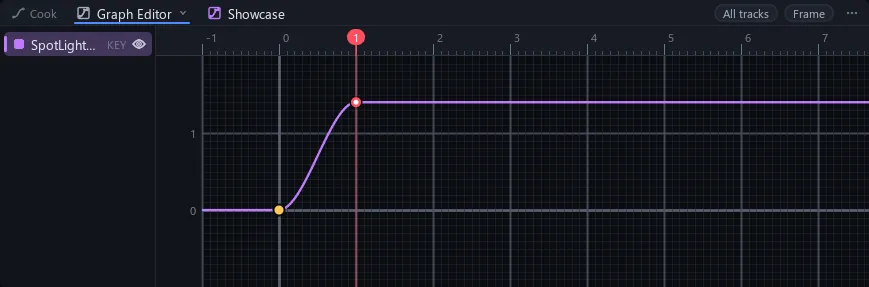 Step 6Keys and easingKey a value, slide the key, shape the ease.a video, the Cook window, keys, moving keys, easing, the Graph Editor and the play range.
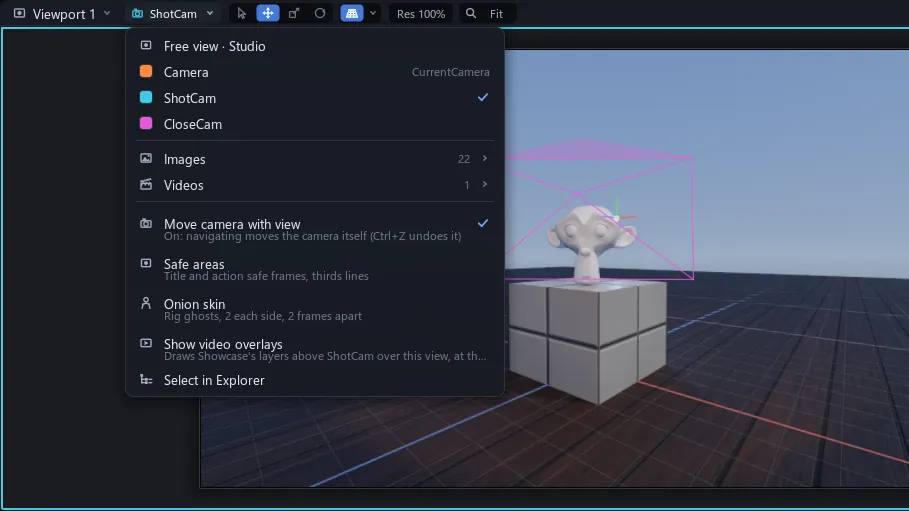 Step 7A camera shotTwo cameras, a push-in and a cut.cameras, looking through one, a keyed push-in, camera shots and a cut.
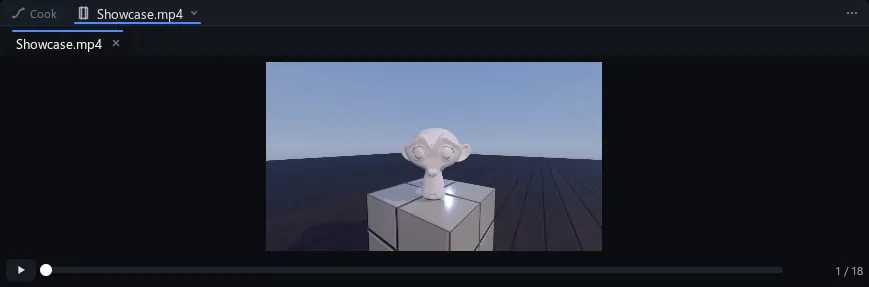 Step 8Render itEvery frame path traced, into an MP4.the render dialog, MP4 and PNG frames, size and samples, where the files go.
Step 2Open a projectA new project, the windows, saving.a new project, the windows, split, join, float and dock, saving.Step 3Move aroundFly, orbit, select, move and undo.looking and flying, orbit, pan and dolly, selecting, Move, Scale and Rotate, G and R, undo.Step 4Add objectsParts, a mesh of your own, materials.Insert, Parts, an imported mesh, Explorer drags, Properties, materials.Step 5Light and lookPath trace it, light it, give it a look.Solid and Rendered, two lights, bloom, the tonemap and the sky.Step 6Keys and easingKey a value, slide the key, shape the ease.a video, the Cook window, keys, moving keys, easing, the Graph Editor and the play range.Step 7A camera shotTwo cameras, a push-in and a cut.cameras, looking through one, a keyed push-in, camera shots and a cut.Step 8Render itEvery frame path traced, into an MP4.the render dialog, MP4 and PNG frames, size and samples, where the files go.Part 2, scripting in Luau
For anyone who knows Roblox Luau. The same shot gets scripts: a ring of glowing orbs, a model that turns every frame and a title that fades in.
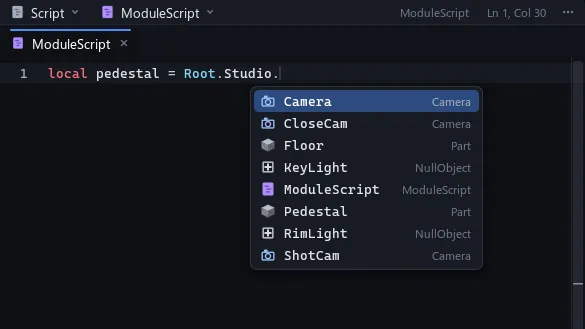 Step 9Scripts in StrokeLuau the Roblox way: Script, Output, command bar, Play.the Script window, Output, the command bar, type checking, Edit and Play
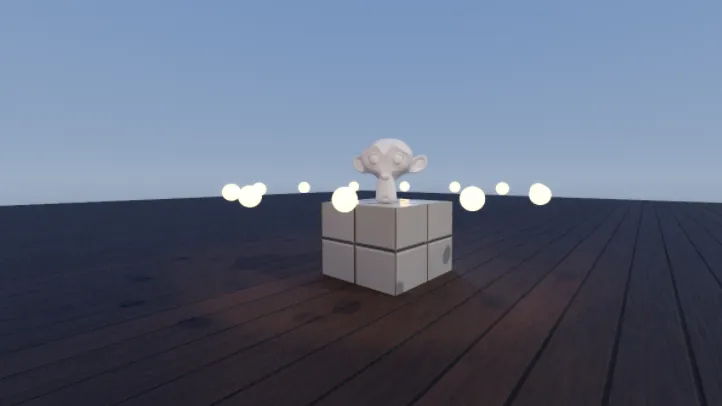 Step 10Sandboxes and InitScriptsA script lays out glowing orbs, and Stop clears them.a Sandbox, its InitScript, what Play makes and what Stop puts backStep 11Every frameTurn the statue a little every frame.Root.Heartbeat, delta time, where a per-frame script lives, how it stops
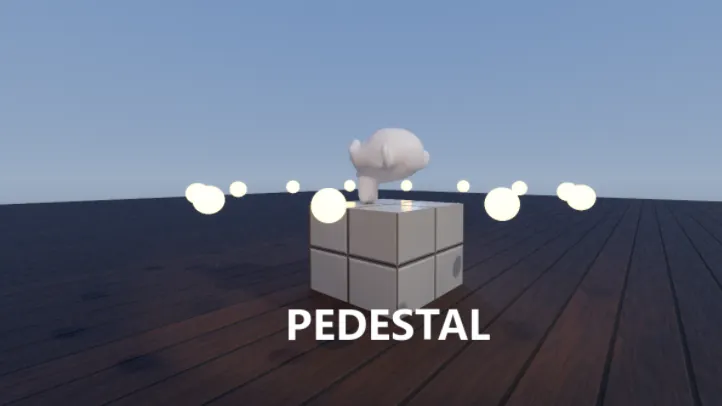 Step 12A script layerFade a title in with a layer written in Luau.a ScriptTrack, function(time), In and Out, how layers stack, a title that fades in
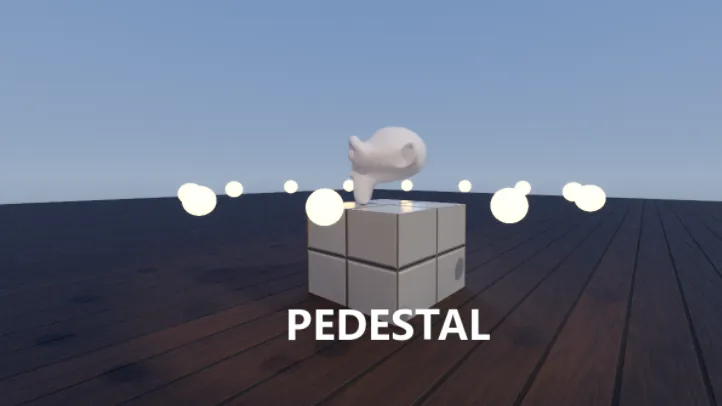 Step 13From hereWhere to read on, and three ideas to try.where the feature pages and the reference are, three ideas to try next