
Scripts in Stroke
You already know the language. Stroke runs Roblox-style Luau, with a Script window, an Output, a command bar, and Play and Stop on Studio's keys.
In development, not released yet.
You'll learnthe Script window, Output, the command bar, type checking, Edit and Play
The same Luau
Scripts are Luau with Roblox's datatypes and Instance API. Root is the top of the tree, as game is in Roblox, and script is the script itself.
- InitScript: runs when you press Play.
- ModuleScript: required by other scripts.
- ToolScript: runs once from its Run button; what it changes is saved.
- Script layer: a video layer drawn by code (step 12).
Stroke's own shorthands, like a:=Lerp(b, 0.5), are optional, and Roblox can't read them.
Run a line
The command bar runs along the bottom of the window. Enter runs it; ShiftEnter adds a line.
You know this asRoblox StudioCommand Bar
- Click the command bar at the bottom of the window.
- Type
print("Hello from Stroke"). - Press Enter and look in Output.
> print("Hello from Stroke")
Hello from Stroke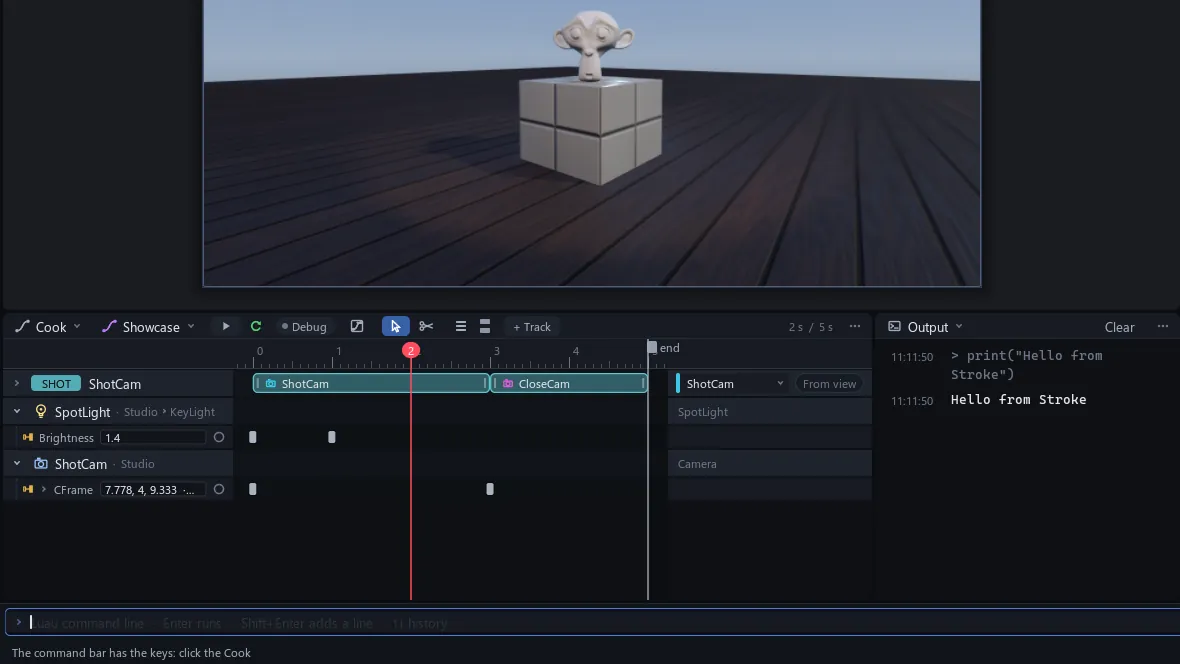
A command is a real edit: saved, and one undo step.
Write in the Script window
Double-click a script in Explorer to open it in Script. Completion lists your project's real members, and Tab takes one.
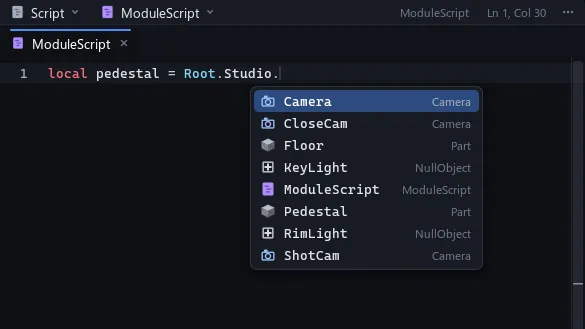
Luau's type checker reads a script a moment after you stop typing; hover a red underline for why. Errors while running land in Output with their calls.
You know this asRoblox StudioOutput
Tip With a script open, select Statue in Explorer, then type !reference in it: it becomes Root.Studio.Statue.
Edit, then Play
No script runs in Edit. F5 plays them all; ShiftF5 stops them and puts back what they wrote, made or drew, but keeps your own changes.
You know this asRoblox StudioPlay and Stop, your edits stay
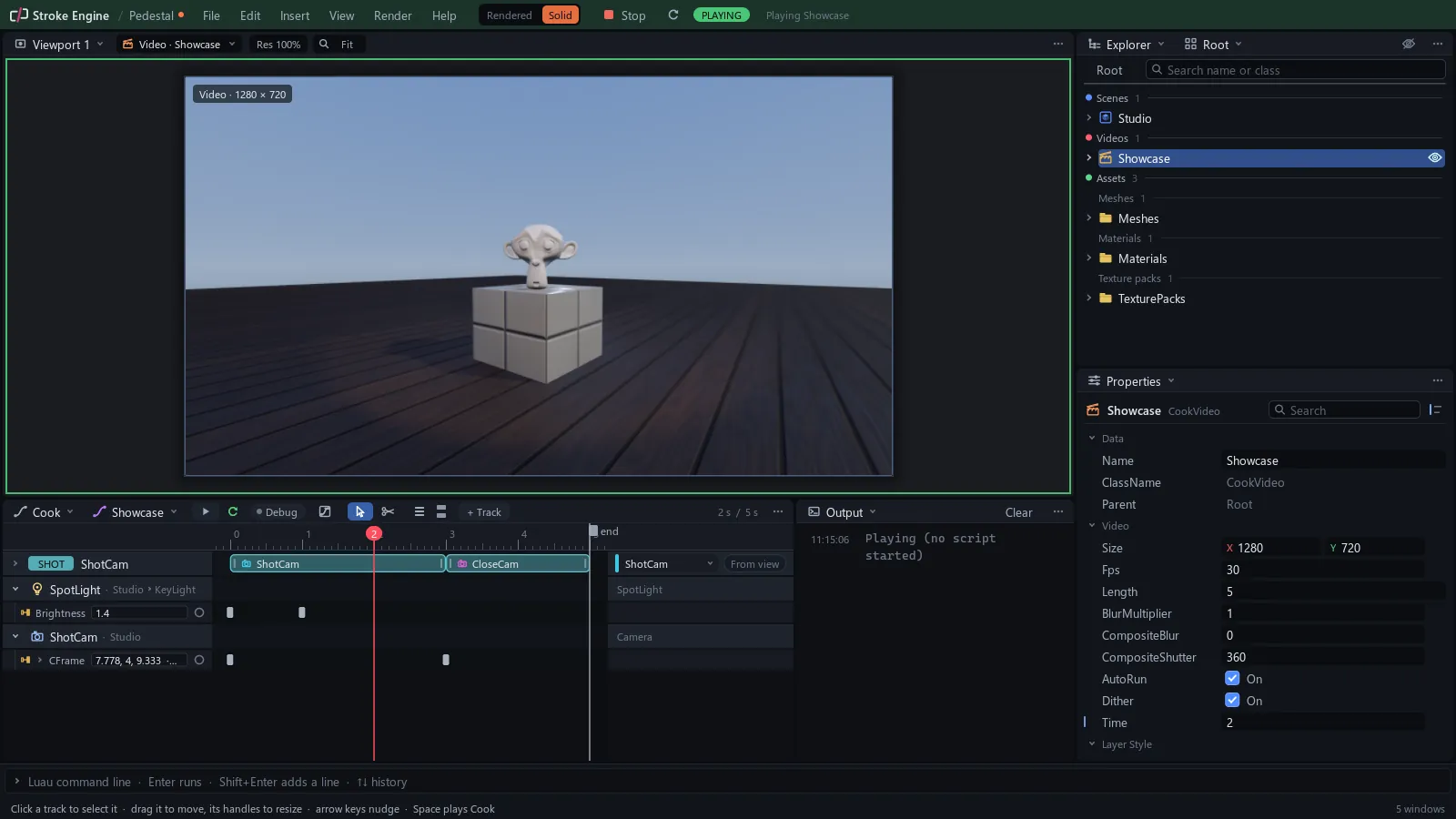
While playing, the top bar says PLAYING, and an edited script waits, orange dot on its tab, until you click a viewport and press Q. With no scripts yet, Output says Playing (no script started).