
From here
You built a shot by hand and by code. Here is where to read on, and three ways to make it yours.
In development, not released yet.
You'll learnwhere the feature pages and the reference are, three ideas to try next
What you made
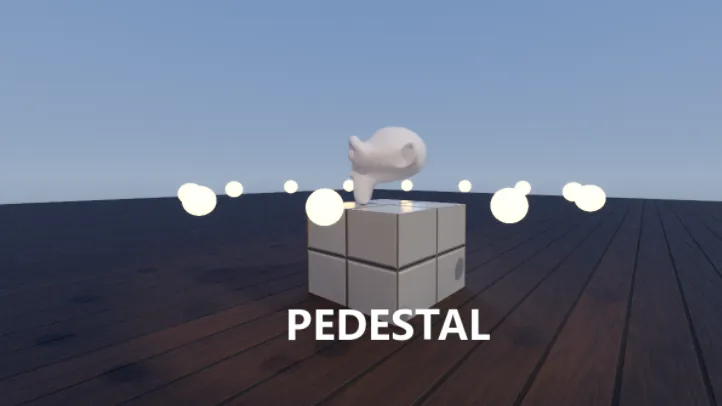
A lit, rendered product shot with a camera push and a cut, a ring of glowing orbs laid out by a script, a model that Heartbeat turns, and a title that a script layer fades in.
Read on
- Scripts: every editor key, ToolScripts and the
!shortcuts. - Animation and Cook: every way to move a value, and every kind of clip.
- 2D layers: text, shapes, blend modes and layer styles.
- Rendering: Solid, Rendered and the look of each camera.
- Render and export: MP4, PNG frames, passes and quick previews.
Every class has a page of its own with its properties and methods. Start with Sandbox, InitScript, ScriptTrack, CookVideo and RunService. In the app, the Docs window holds the same reference.
Make it yours
- Pulse the orbs: in Init, connect a Heartbeat that sets
glow.EmissionValuefrommath.sin(time()). - Set the ring orbiting: keep the orbs in a table and move each one along its circle by
dtin a Heartbeat. - Give the title an edge with
words.StrokeThicknessandwords.StrokeColor, or slide it up as it fades by changingwords.Positionin its function.
Render it again
Your MP4 from step 8 has none of Part 2 yet.
- Press CtrlF12 and render Showcase again: ring, turn and title included.